About
phpMan is a single-file PHP web interface for Unix
man, perldoc, info, and
apropos commands. It makes it easier to read lengthy manual
pages in your browser — with syntax highlighting, section navigation,
and a floating table of contents.
Originally created in 2002 by Che Dong, phpMan has been continuously maintained and is compatible with PHP 8.x on GNU/Linux and macOS/BSD.
Screenshot
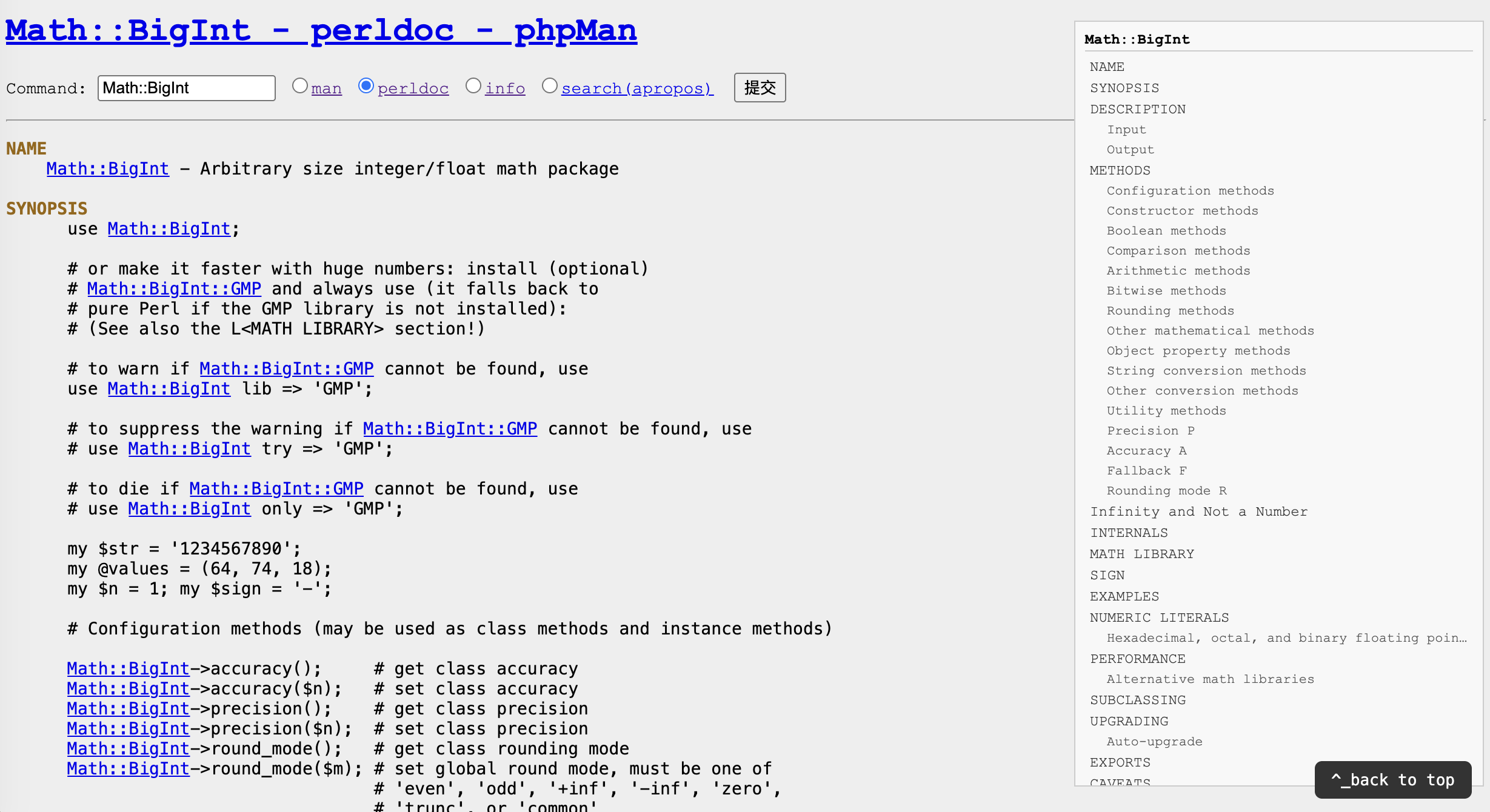
Live Demo
The phpMan demo is hosted on chedong.com with full PHP support. Try it now:
Direct link: https://www.chedong.com/phpMan.php
What's New in v2.1
- Cross-platform width control —
pod2text -w Nfor perldoc,MANWIDTHfallback for macOS/BSD man - TLDR endpoint — Append
/tldr/{command}for cheatsheet-style summaries - Project roadmap — docs/PLAN.md: pydoc/ri support, LLM-powered translation, cheat sheets, search sidebar
Features
/json, /markdown, or /mcp for structured output/man/ls/1MCP Server — AI Agent Integration
phpMan exposes a Model Context Protocol (MCP) endpoint, enabling AI agents to query Unix manual pages programmatically. Compatible with Claude Desktop, Hermes Agent, and any MCP-compatible client.
Endpoint:
POST https://www.chedong.com/phpMan.php/mcpAvailable Tools:
cli_help(command, section?)— Structured man/perldoc page with sections, subsections, and synopsiscli_search(query, section?)— apropos keyword search across all man pages
MCP Client Config:
# Claude Desktop / Hermes Agent / etc.
mcp_servers:
  phpman:
    url: "https://www.chedong.com/phpMan.php/mcp"
    timeout: 30
All HTML pages include MCP discovery via the Link: </phpMan.php/mcp>; rel="mcp-server" HTTP header.
MCP Format — REST GET
Append /mcp to any detail page URL for MCP-compatible output.
The /mcp REST endpoint and POST /mcp tools/call
return identical content format — one code path, zero redundancy.
# REST GET: same output as MCP POST tools/call
curl https://www.chedong.com/phpMan.php/man/ls/1/mcp
# → {"content":[{"type":"text","text":"{\"name\":\"ls(1)\",...}"}]}

# Search with MCP format
curl https://www.chedong.com/phpMan.php/search/cron/mcp

# Perldoc with MCP format
curl https://www.chedong.com/phpMan.php/perldoc/Digest::MD5/mcp

# Plain JSON still works unchanged:
curl https://www.chedong.com/phpMan.php/man/ls/1/json
The /json format is unchanged for backward compatibility. Use /mcp when you need the MCP content wrapper.
JSON API Output
Append /json to any detail page URL for structured JSON output:
# Man page with sections and subsections
curl https://www.chedong.com/phpMan.php/man/ls/1/json

# Apropos search results
curl https://www.chedong.com/phpMan.php/search/git/json

# Or use Accept header (works on any URL)
curl -H "Accept: application/json" https://www.chedong.com/phpMan.php/man/bash
Quick Start
Deploy phpMan on any PHP 8.x server with a single file:
# Clone the repository
git clone https://github.com/chedong/phpman.git

# Copy to your web server's document root
cp phpman/phpMan.php /var/www/html/

# Access in browser
# https://your-server/phpMan.php
For Apache 2.x, ensure AcceptPathInfo On is configured
to enable clean URL routing.
Links
- GitHub Repository — source code, issues, pull requests
- SourceForge (Archived) — frozen at v2.1, historical downloads
- Live Demo — running instance on chedong.com
- View Source — highlighted PHP source code
- License — GNU General Public License v2